STEP 01
Customer details
The buyer starts on a branded page and enters their contact, address and licence details.


Give buyers an indicative price on your dealership website, 24/7. They receive a branded PDF by email — without waiting for a callback.
Your branding · Your insurer's agreed rates · Subject to underwriting
Buyers enter their details and see a price calculated from your configured insurer's rates. A PDF quote is then emailed to the customer.
Final cover, terms and premium remain subject to insurer underwriting and acceptance.
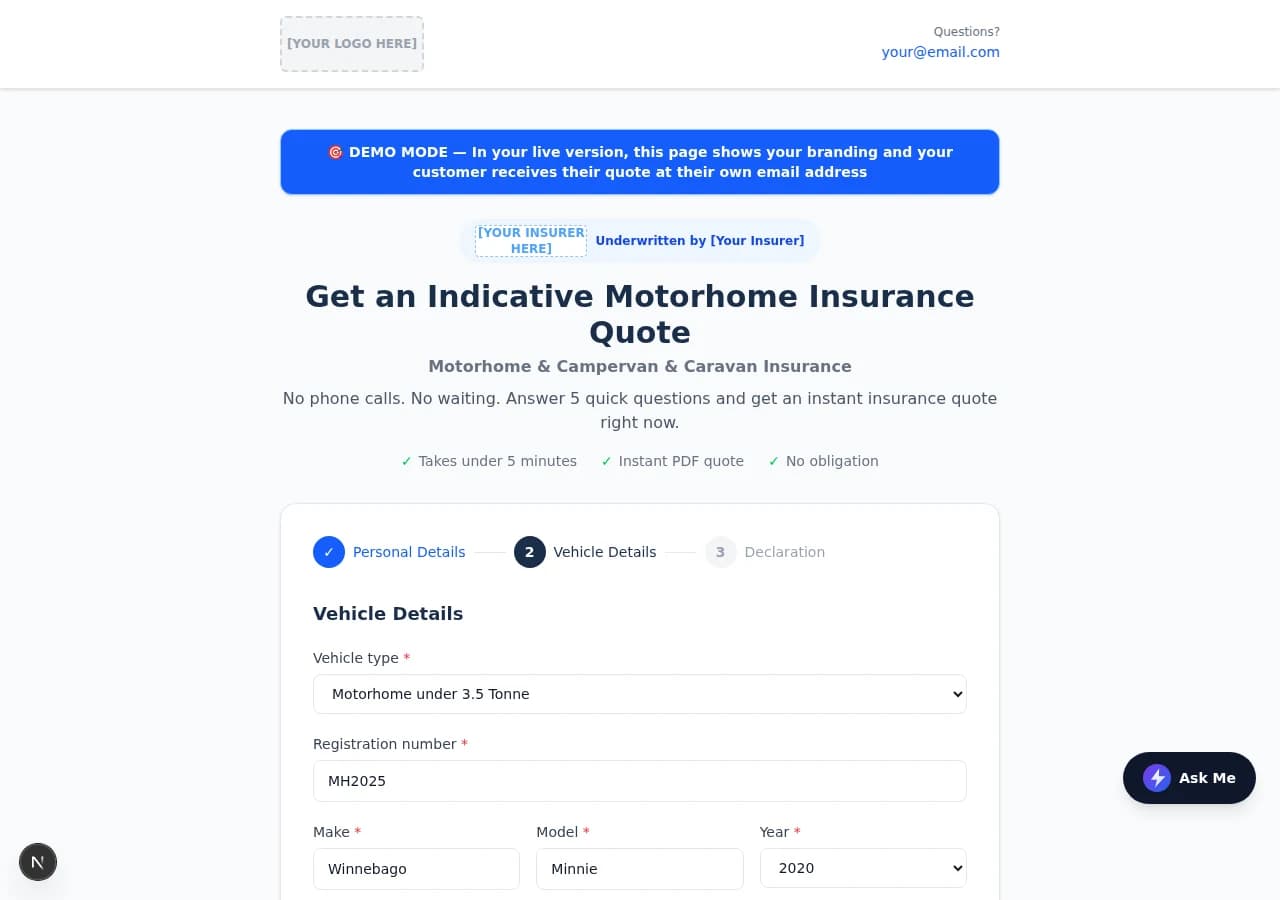
Actual demo screen with sample information and placeholder branding.
Give customers a practical next step at the exact moment they are considering a vehicle.
The quote page and PDF can carry your dealership's logo and details alongside your insurance partner's branding.
Buyers can start the quote journey from their phone, at home or while viewing a vehicle, without waiting for a callback.
The customer receives their PDF by email. The configured insurer receives the information needed for follow-up.
The screens below are cropped from the Auto-Quote demo. A live dealer version uses its own branding and insurance partner details.
The buyer starts on a branded page and enters their contact, address and licence details.
They add the motorhome, campervan or caravan details and answer the relevant insurer declaration questions.

The buyer sees an instant indicative price calculated from the configured rates and their answers.

A copy of the indicative quotation is emailed to the customer, with the vehicle and premium details ready to review.

Demo screens show sample information and placeholder branding. The insurer's terms, eligibility and underwriting decision govern any final offer of cover.
The online form captures the buyer and vehicle details.
The configured rate card produces a price, subject to underwriting.
The buyer gets a PDF and the configured partner is notified.
Where configured, a qualifying buyer may ask to proceed; the insurer still decides whether to accept and issue cover.
Auto-Quote is configured around the insurance partner and rate card you already work with. We set up the branded quote experience and notification details for your operation.
The moment a qualifying buyer submits their details, the emails go out. No manual steps. The customer gets their PDF; the configured partner gets the full enquiry.
The customer receives

Branded email with an indicative premium summary and the PDF quote attached.
The insurance partner receives

Full customer and vehicle details, declarations and calculated premium — ready to action.
Emails shown are from the demo environment. Live dealer versions carry configured branding and partner contact details.
The demo shows the buyer experience. We confirm the exact insurer workflow and eligibility rules with you during setup.
No. It is an indicative premium. Final cover, terms and premium depend on insurer underwriting and acceptance.
Yes, if your insurance partner provides an agreed rate card and approves the proposed quote and follow-up process.
Yes. In the configured live version, the customer receives a branded PDF quote at the email address they entered.
The insurer's agreed eligibility rules determine the route. An answer requiring review should be referred to the partner rather than treated as automatic cover.
A qualifying buyer can be offered a request-to-proceed option where this has been configured with the insurance partner. The insurer must still accept and issue the policy.
Yes. The public demo uses example details and shows the quote form, indicative result and PDF email journey.
See the buyer journey, then talk through your branding and insurer arrangement.